Kahu – HealthCare NZ Mobile App
Kahu – HealthCare NZ Mobile App
Our Kahu mobile app
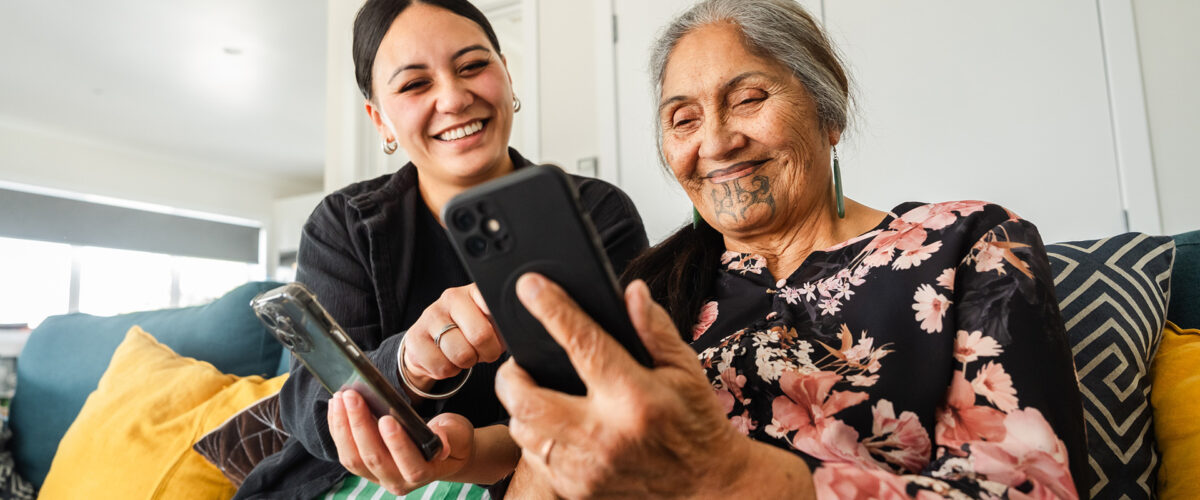
The Kahu mobile app makes work life easier for HealthCare NZ employees, enabling flexible rostering and prompt, accurate payment. Kahu has enabled HealthCare NZ to embrace a paperless workflow, reducing waste and improving efficiencies for both our kaimahi (staff) and the people we support.
Key Kahu benefits
- Company phone provided
- Paid accurately and on time
- Provides real-time information
- Easy and secure to use
Easy timesheets
With Kahu, you don’t need to carry around paper timesheets; there’s no hassle with going into a branch to drop them off or making sure you have one available to use. You don’t need to worry if you lose it or if your client struggles to sign your timesheet.
Using Kahu is as easy as pushing a button. It’s like paper timesheets, but far more efficient and hassle-free.
Rosters on demand
Get access to your roster anytime, anywhere with Kahu. You can see your roster for the next 6 weeks and for the past 6 weeks. You can easily see what jobs you’ve got and schedule your plans accordingly. Whenever you pick up a relief job, or if a job is cancelled by a client, it will appear in your roster in real time. This means you won’t need to call the service centre to check what your latest roster is. This eliminates unnecessary texts or calls while you’re with your clients.
While updates are in real time, if you are out of range or haven’t been in for a while, you’ll need to refresh to see any changes.
Get help with Kahu
Our friendly team are here to support you Mon-Fri 8am-5pm. If you need help with Kahu, please call the Kahu support team on 0800 469 5248 or 0800 HNZ KAHU or via email kahusupport@healthcarenz.co.nz
If you have trouble with your roster, please call our service centre on 0800 120 784.
Frequently asked questions
Why am I being given a phone and why can’t I use my personal phone?
Your new mobile phone is an essential tool to help you in your job. Phones are provided to staff across the organisation to help them work more efficiently and effectively via the Kahu app, and to enhance communication.
Company phones have additional security policies and features that are not available on personal phones. This ensures that we continue to meet our privacy obligations to the people we care for, especially as new functions are added to the Kahu app in future. Additionally, the use of Kahu significantly reduces numerous labour-intense processes for the payroll and service delivery branch teams. We are also pleased to advise that personal use is permitted to ease the necessity of carrying two phones in line with company policies.
We expect you to use your phone when at work – it is a tool of trade and a requirement. If you have concerns with using a phone, please discuss this with your manager directly.
Will I be monitored by the company through the phone?
The company will not monitor your whereabouts during or outside of work hours. We are aware there may be some concerns around the company using the device for surveillance, tracking, and monitoring of workers: please rest assured this is not the case. The Kahu app does have a geo-location function which is designed to register time in attendance at client visits. This is for time, wage, and payroll processing purposes and it is not a tool to keep a track of your whereabouts and monitor your movements during the day. The company is excited to be able to provide a useful tool of trade to make your job easier and improve roster, timekeeping, and communication.
Will the privacy of any personal information on my phone be protected?
Yes. The privacy of personal information for staff and the people we support is important and your personal details (including texts, emails, and messaging service communications) will be protected and remain private at all times. There are legal requirements the company must adhere to in respect of confidentiality and maintaining the protection of employees’ private information.
It is important to know that the phone remains the property of 2degrees and the company pays for the connection and provides it as a tool of trade, so there is a requirement to adhere to all relevant company policies (including the Internet, Email, and Social Media Policy) when using the phone. If allegations of breaching company policy or unlawful misuse arise, the company may, as part of an investigation, need to access data and information on the device specifically related to the investigation which could include personal information. All relevant Policies (including the Internet, Email, and Social Media Policy) can be found on the LearningTree and MySkill platforms.
Why are family and nominated carers not receiving a phone?
Kahu is designed to function best in situations where employees work across various clients and locations. As Family and Nominated Carers generally work at the same location with the same client each week, we are considering other more suitable solutions to moving paperless in the future.
When and how do I get my phone?
We encourage you to call into your local branch to collect your phone at a time that is convenient for you. This may be at the same time as a usual or regular branch visit or coincide with collecting PPE. If collecting your device is difficult, please contact the Lead Administrator facilitating the phone distribution at you site to discuss alternative arrangements for getting the phone. We do ask you to pick up your phone and set it up within two weeks of arriving at the branch.
Do I get paid mileage or wages for time spent travelling to collect my device?
Mileage and/or wages are not provided for when collecting your phone.
Who do I contact if I need help with setting up my new phone?
Talk to the Kahu support team. You can reach the team 8am-5pm, Mon-Fri on 0800 469 5248 or 0800 HNZ KAHU or via email kahusupport@healthcarenz.co.nz. You can also speak with your local branch administrator.
Which e-learning courses/guidelines are to be completed to kickstart your Kahu use?
You will be required to complete the below links in the MySkill learning portal. Log in to MySkill here.
- Complete and agree to the Mobile Phone Declaration
- Complete the Healthcare NZ Kahu walkthrough (optional)
How do I find out my username and password for MySkill?
Most MySkill usernames are FirstName.LastName – if you cannot remember your password, you can reset it by following ‘Trouble signing in?’ link on the login page. If you have trouble confirming your username, please contact the MySkill team on 0800 697 5455 or by emailing training@myskill.co.nz
What if my work phone or Kahu app isn’t working?
We have set up a Kahu app support team which you can call for assistance and advice. You can reach the team 8am-5pm, Mon-Fri on 0800 469 5248 or 0800 HNZ KAHU or via email kahusupport@healthcarenz.co.nz . If you have a query or issues related to the Kahu app or account logins, please contact your manager or the Kahu support team. If you have issues with your data connection or the phone, please contact the 2degrees HelpDesk on 0800 022 4269.
For any other IT-related issues, a ticket can be raised through the ICT Support portal: you can do this by calling 0800 001 994 or emailing ictsupport@healthcarenz.co.nz
What should I do if systems go down and I can’t submit a timesheet via Kahu?
Please contact the Kahu app support team on 0800 469 5248 or 0800 HNZ KAHU or via email on kahusupport@healthcarenz.co.nz and advise that you were not able submit a timesheet due to system being unavailable. Make sure to let the team know the date and time of the appointments that have been affected, and Payroll and the Service Centre Team will be notified.
What do I need to do if I forget to clock in and out using Kahu, or I cannot clock in and out using Kahu because of app issues?
Please contact the Kahu app support team on 0800 469 5248 or 0800 HNZ KAHU or via email kahusupport@healthcarenz.co.nz and advise that you were not able submit a timesheet due to the system being unavailable. Make sure to let the team know the date and time of the appointments that have been affected, and Payroll and the Service Centre Team will be notified.
What do I do if 2degrees has poor coverage in my region I work in?
We will be working with 2degrees to ensure that everyone can use their phones. If you do have issues with coverage, please contact our ICT Helpdesk or talk to your manager so we can look at other options. Logging into an available WiFi connection in poor coverage areas can also resolve connectivity issues.
What if I break my phone?
Please let your manager know immediately so your phone can be repaired or replaced. If a phone is broken or lost an investigation into the incident will occur, and if any negligent conduct is upheld your manager will consult with you about any requirement to retrieve costs for damage or loss.
What features can we look forward to in future?
We are continually looking at developments and improvements to the way we do things through the introduction of technology. Functions such as client support plans, live chat, and access to training modules are some of the many things we are excited about implementing in the future.